
Animation NCII Part 1: Principles, Frame-by-Frame, and Motion Graphics Basics
About Course
Animation Fundamentals (NCII Part 1)
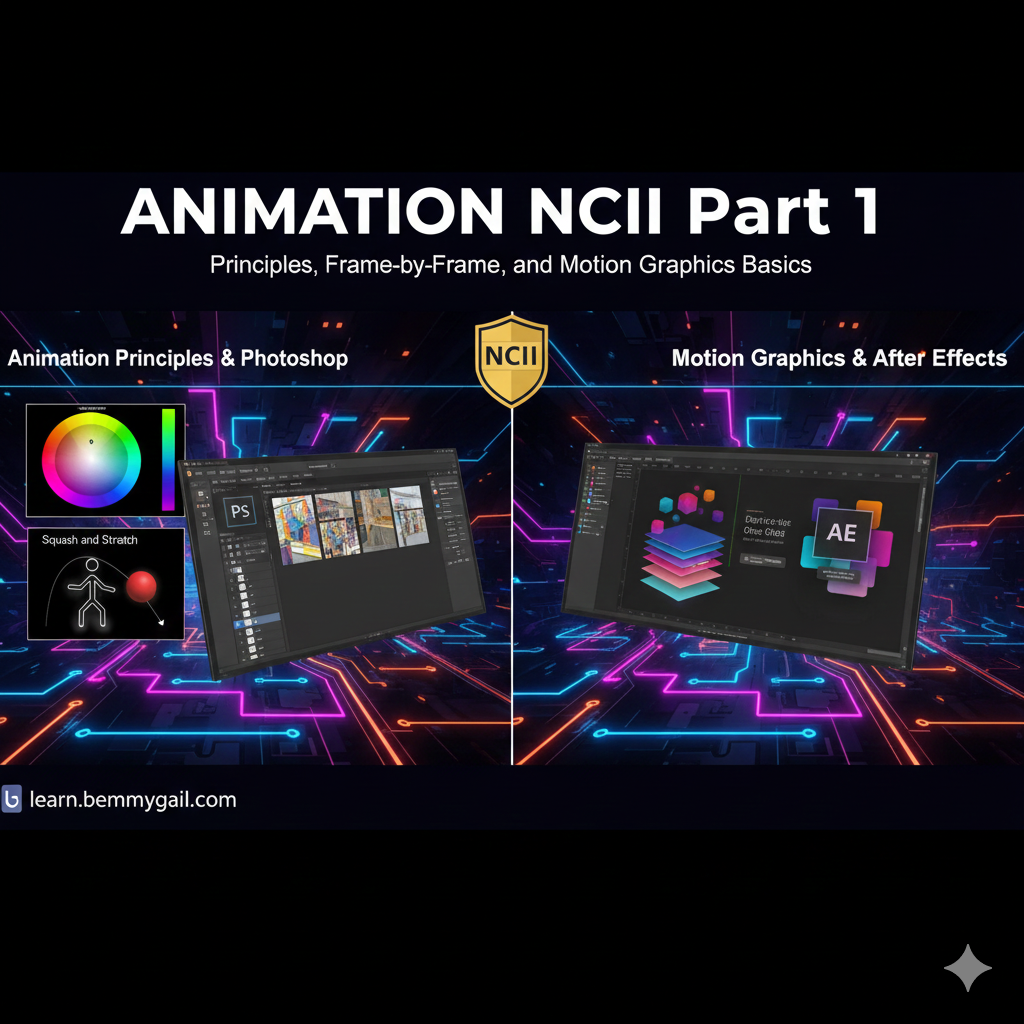
This foundational course introduces the core concepts and tools for time-based media, crucial for the Animation NCII. We begin with the History and 12 Principles of Animation , transitioning into practical application using Adobe Photoshop for frame-by-frame animation (GIFs). The course culminates in an introduction to Adobe After Effects, mastering keyframing and basic Motion Graphics to prepare students for visual effects work.
Course Content
Module 1: History and The 12 Principles
-
History, Pioneers, and Types of Animation
23:28 -
Animation Fundamentals Quiz
-
The 12 Principles of Animation
24:03 -
Quiz: The 12 Principles of Animation
-
Introduction to Photoshop for Motion
01:12 -
Introduction to Photoshop for Motion
Module 2: Frame-by-Frame and Animation Planning
Module 3: Introduction to After Effects and Motion Graphics
Module 4: Practical Visual Effects (VFX) Skills
Earn a certificate
Add this certificate to your resume to demonstrate your skills & increase your chances of getting noticed.
Student Ratings & Reviews
The course was great, it is very intuitive and I learned a lot about animation from this course.
This animation course was a great experience for me. I learned a lot about the basics of animation like timing and movement, and I really improved my skills through practice. At first it was challenging, but over time I got better and more confident. Overall, the course helped me grow both creatively and technically.

This course helped me learn how to animate. It provides all the things I needed to know and I am grateful for having this as my way to learn. Overall experiences rating will be 5 star for me.