
Animation NCII Part 2: Video Editing and 3D Foundations
Categories: Design
Wishlist Share
Share Course
Page Link
Share On Social Media

About Course

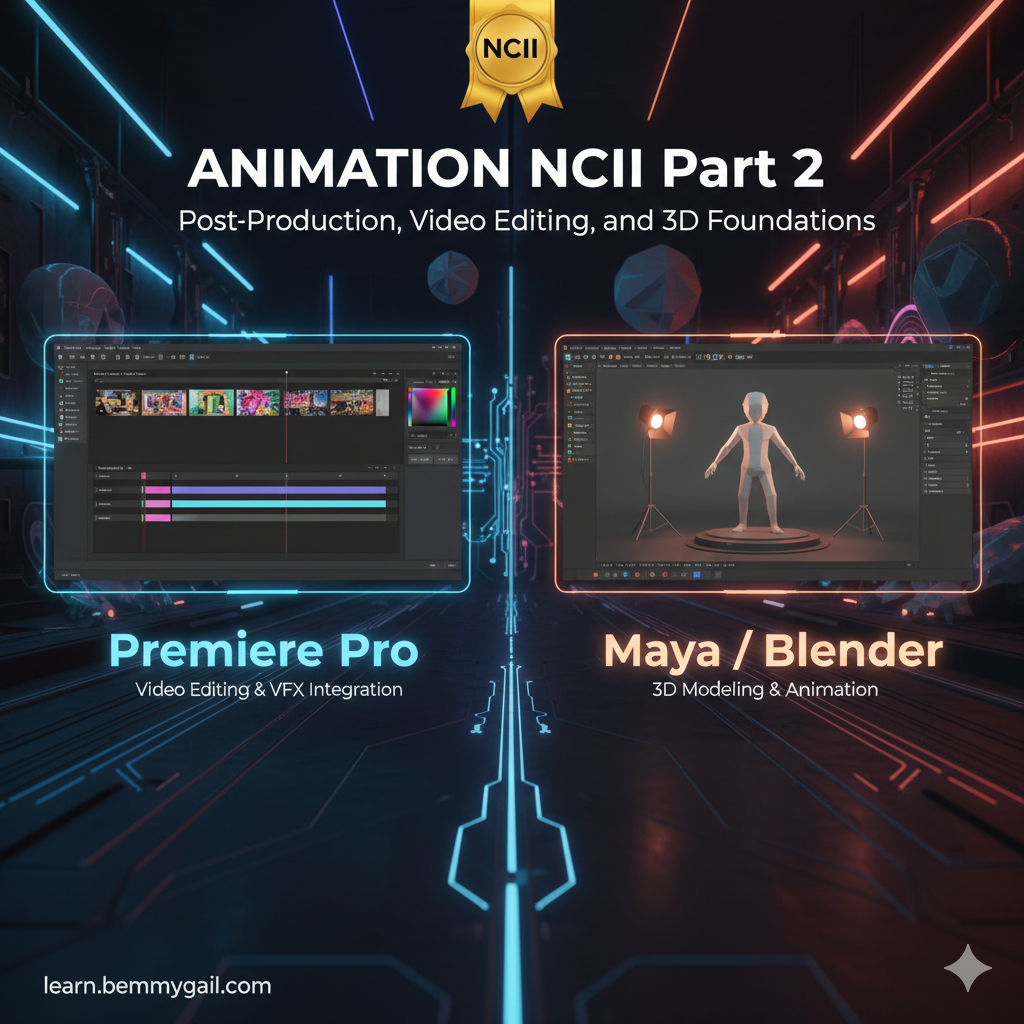
Animation NCII Part 2: Post-Production, Video Editing, and 3D Foundations

This advanced course focuses on the final stages of the animation pipeline: post-production and video editing. Students will master Adobe Premiere Pro for editing, color correction, and audio mixing. The course then provides a critical introduction to the world of three-dimensional design, covering 3D modeling, texturing, lighting, and simple animation using industry tools (Maya/Blender). The course culminates in compiling all motion and video work into a final professional reel.

What Will You Learn?

  • Master the Adobe Premiere Pro interface for importing, organizing, cutting, and trimming video and audio clips.
  • Apply professional Color Correction and Audio Editing techniques to finalize video projects.
  • Integrate After Effects compositions directly into Premiere Pro timelines for efficient post-production workflows.
  • Understand the fundamentals of 3D space, modeling, texturing, and lighting using Maya or Blender.
  • Execute simple 3D animation, rigging, and camera movement.
  • Render and showcase final 3D works and compile all completed projects into a final Mini Demo Reel.

Course Content

Module 1: Mastering Premiere Pro (Post-Production)
This module is dedicated to post-production workflow, focusing on efficient video editing, precise transitions, color correction, and sound design using the industry-standard Adobe Premiere Pro.

  • Interface and Basic Editing Workflow
  • Color, Audio, and Advanced Transitions
  • Integration and Professional Deliverables

Module 2: Introduction to 3D Foundations
Students take their first steps into three-dimensional space, learning the core functions of 3D software (Maya/Blender), including navigation, creating basic geometry, and applying foundational texturing and lighting principles.

Module 3: 3D Animation and Final Showcase
This final module covers the process of keyframing objects in 3D, creating a full short project (2D/3D), and completing the entire pipeline by compiling all semester work into a professional demo reel.

Earn a certificate

Add this certificate to your resume to demonstrate your skills & increase your chances of getting noticed.
selected template

Student Ratings & Reviews

No Review Yet
No Review Yet

Want to receive push notifications for all major on-site activities?